Expanded Media File Support: More Ways to Share Beautiful Branded Content
Enplug expands supported media file formats
Digital signage software should make your communications easier and more effective. After all, with the hard work you put into sourcing and creating content, it should be effortless to share it too. That’s why we’ve added even more support for different media file formats to two of our most popular apps – Graphics & Video and Templates. Now it’s even easier to use the content you already have with Enplug’s software instead of designing new content for your digital signs from scratch. Display existing content like animated gifs and excel spreadsheets directly on your digital screens and you’ll get greater return on your content investment.
New media file types supported in Enplug’s Graphics & Video App
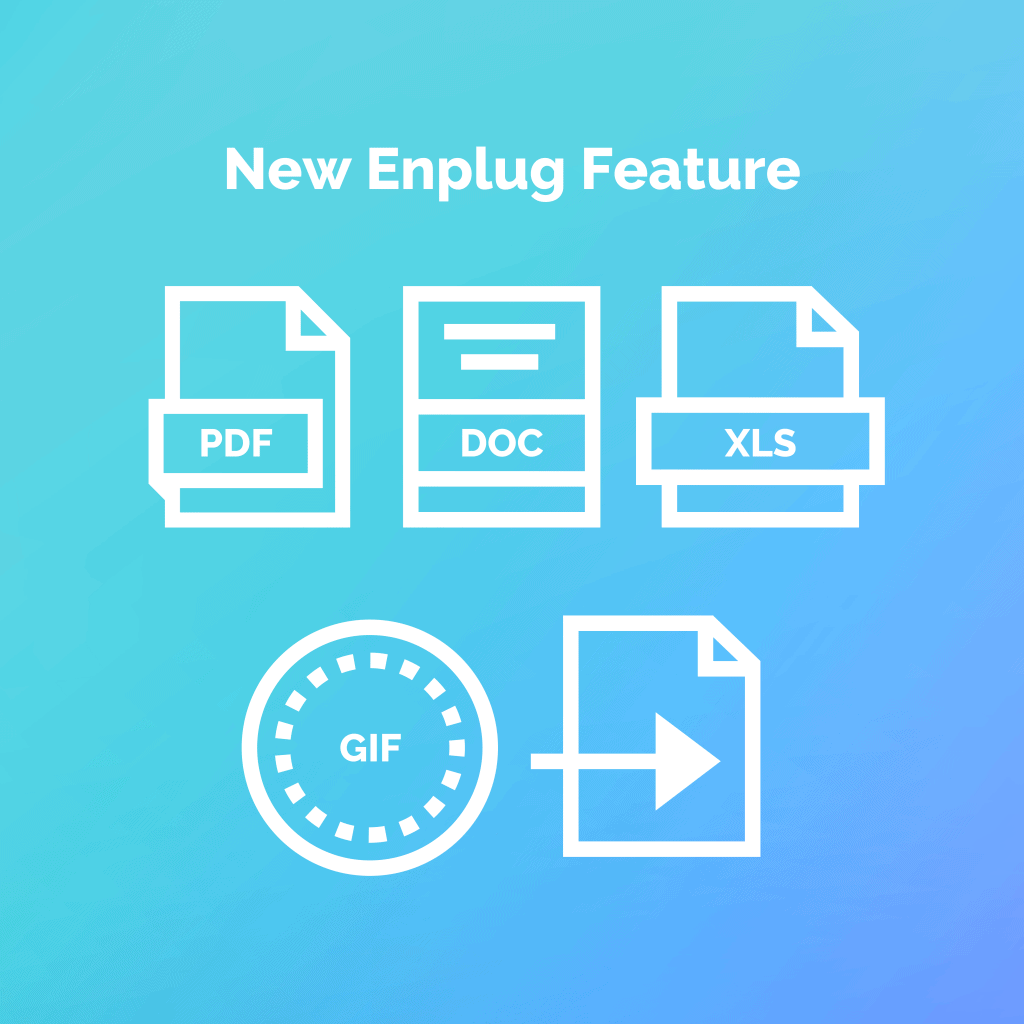
- DOC and DOCX
- XLS & XLSX
New media file types supported in Enplug’s Sign Builder App
- GIF
New opportunities to share your most valuable content
Our expanded media file support gives you more choice and flexibility in your displays. Here are some of the ways you can take advantage of this update:- Add animated memes to your internal communications messaging.
- Add an animated product or service gif to your promotional signs
- Share business metrics directly from an excel document
- Display your latest marketing collateral without embedding it on a webpage.
on June 26, 2019 4:58 am